
If you’re using HECS‑HELP, FEE‑HELP, SA‑HELP, or OS‑HELP, you’re legally issued a Commonwealth Assistance Notice (CAN) each study period. This looks like a bill, but I promise it’s not.

Hi, if you don’t know me, I’m Dr Theresa Orr.
You’re welcome to learn more about how I help students succeed at university with my Uni Pro Accelerator Course.
A Commonwealth Assistance Notice (CAN) is your official record of what subjects your HECS-HELP (or other loan) has covered for the semester (or trimester). It’s based on what your university records for you based on the subjects you enrolled in.
Commonwealth Assistance Notice (CAN) Details
Your CAN includes:
- The units you were enrolled in at census date (the subjects you’ve decided to study and have officially locked in).
- Student contribution amounts or tuition fees (how much each subject actually costs you).
- Any HELP loans applied (e.g., HECS-HELP or FEE-HELP). This is the amount the government will pay for your subjects as a loan).
- Relevant up-front payments, discounts, and sometimes SSAF details (things you paid yourself or fee reductions, plus the student services fee if it applies).
Read more about what census date is and why it’s important here.
When You’ll Receive Your CAN
Since your CAN is an official record linked with the government, your university has to provide it in a certain amount of time:
- Your university must issue your CAN within 28 days after census date for each study period (so roughly 4 weeks after you’re officially locked into your subjects).
- If you use SA-HELP, your CAN will arrive within 28 days after your SSAF loan is applied (usually a separate fee date set by your uni).
- If you use OS-HELP, your CAN will arrive within 28 days after your overseas study loan is paid to you.
- You’ll get a separate CAN every study period (semester or trimester), so expect more than one per year if you study year-round.
- Most unis send it to your student email or portal, not by mail.
Remember, your CAN is a record of what has been charged and what’s been added to your HELP debt. You can check the total amount of your debt in ATO portal linked to your mygov account.
What You Need To Do With Your CAN
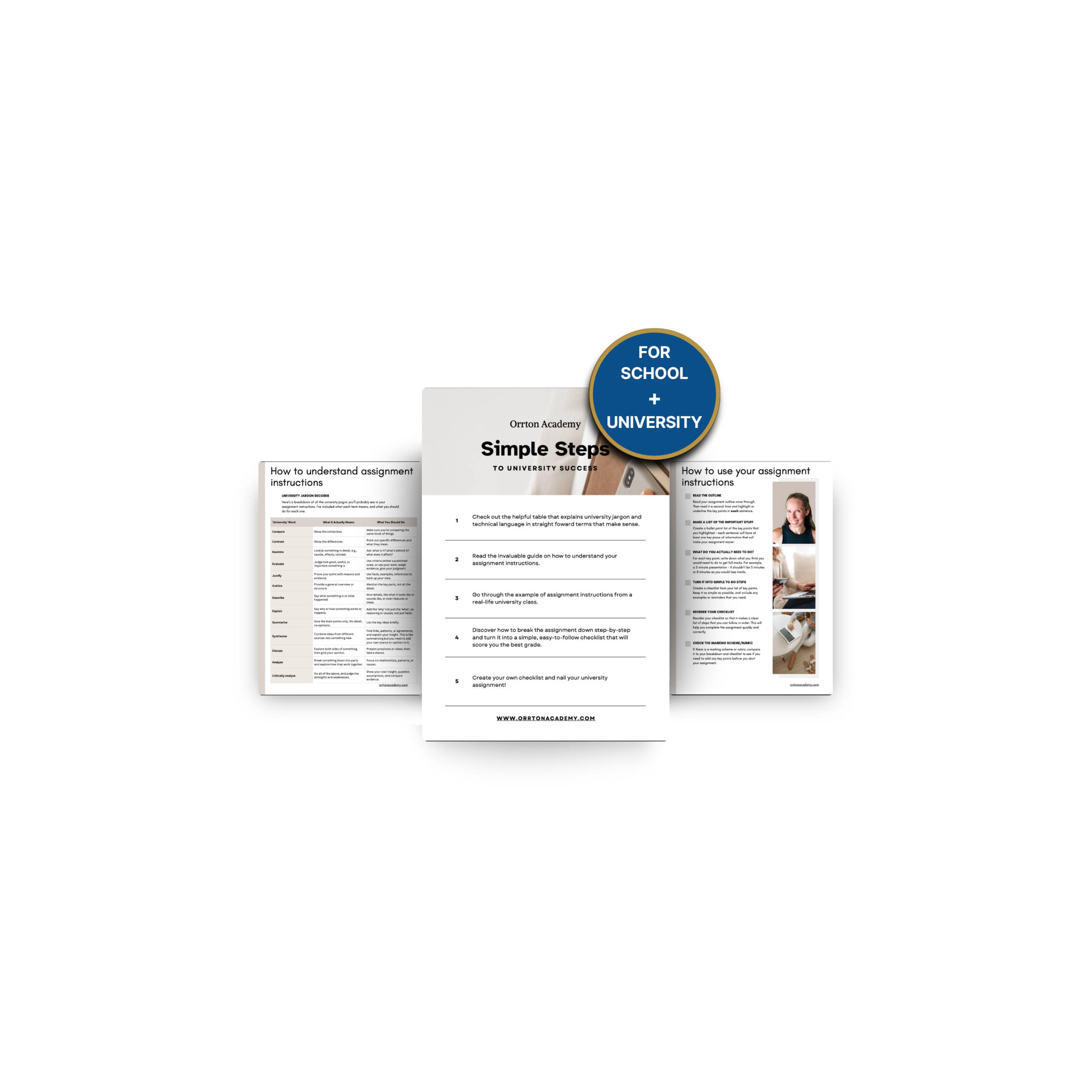
FREE ASSIGNMENT GUIDE
Developed by Dr Theresa Orr.
You’re very welcome!
Think of your CAN like a restaurant bill, you want to check it to make sure it matches what you ate before you pay for it. To do that:
- Download your CAN from your university’s portal or your student email.
- Compare it with your actual enrolment. I know it’s easy to ignore your Commonwealth Assistance Notice because you don’t technically have to do anything with it. But for your own sake, it’s important to check that the:
- Units you withdrew from before census aren’t listed (so you aren’t charged for subjects you didn’t do)
- The dollar amounts match the published fees at your uni (so you aren’t charged more than you should be)
- Cross-reference your HELP debt via MyGov’s ATO Online Services or myHELPbalance to ensure your CAN accurately reflects what’s been added to your loan. We’re talking about tens of thousands of dollars over your degree, so this is worth checking.
- If you spot any issues, request a correction in writing within 14 days, or use your university’s grievance process if needed.
Mistakes happen. The most common error is that any subjects (units) that you dropped before census date will still be charged. Although sometimes it’s that wrong amounts are deferred to your HELP loan. Unchecked errors could cost you money or incorrectly increase your debt, and I am talking thousands of dollars.
You can read more about the total cost of your degree here.
💡Tip
Put a reminder in your calendar after census date so you don’t forget to check your CAN.
- Log into your student portal and download your CAN.
- If anything looks wrong, contact your uni immediately. You only have 14 days to dispute errors.
- Check the units listed match what you’re studying.
- Double-check the amounts against your uni fees.
Before you start your next assignment, consider this…
Knowing exactly what the question is asking can save you hours of unnecessary research and writing.
I’ve put together the process I teach to break assignment instructions down step by step.
And you can get it for FREE below.
FREE ASSIGNMENT GUIDE
Developed by Dr Theresa Orr.
You’re very welcome!